Japan Travel Apps 2026: 13 Apps to Download Before You Go
The Japan travel apps worth installing in 2026, by trip stage: train routes, Suica, taxis, translation and food, with English support and phone-number rules.
Suica works in Apple Wallet on iPhone 8+ and in Welcome Suica Mobile on iOS 17.2+. Most Android phones bought abroad cannot use it yet. What to do instead.
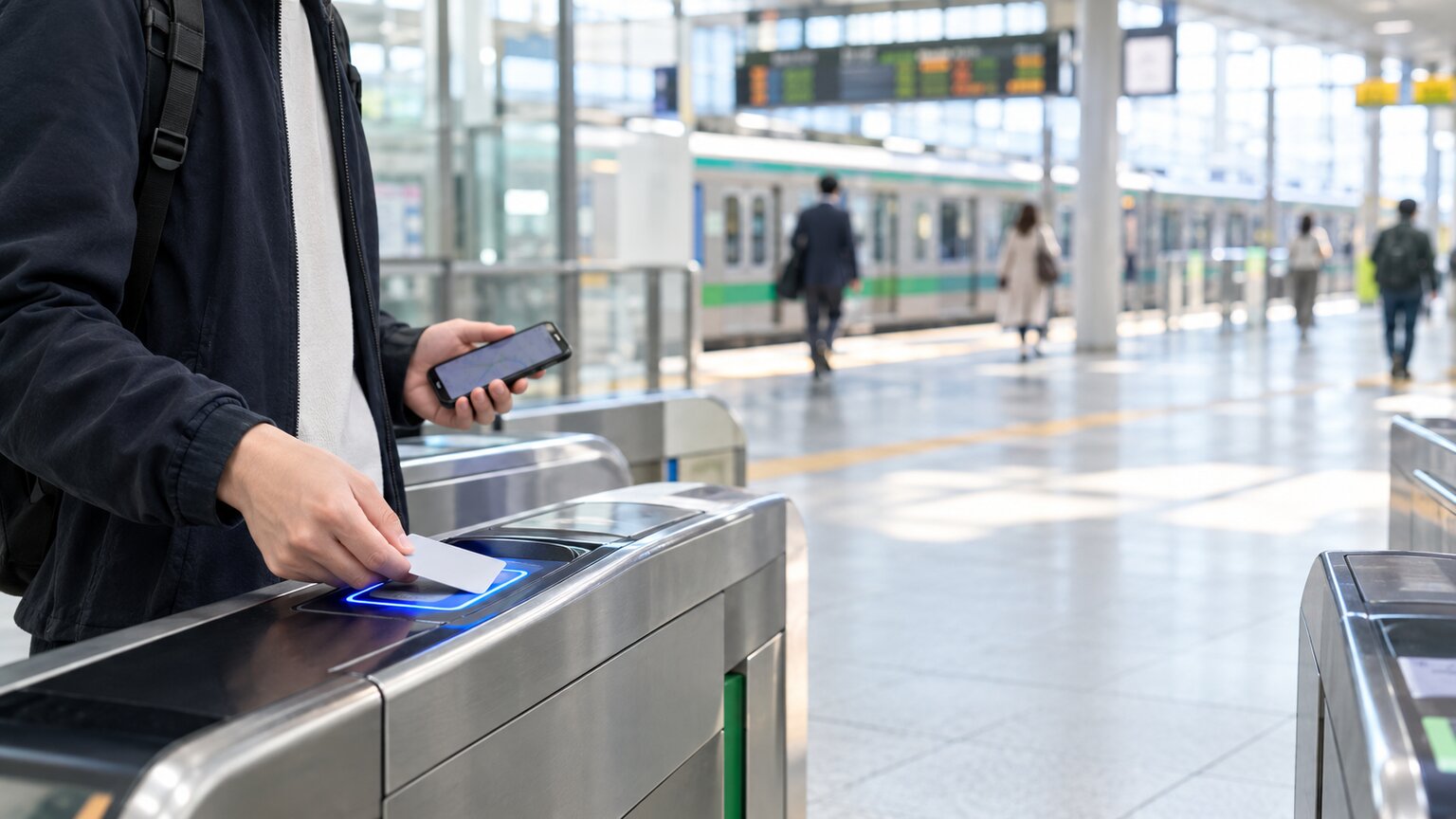
On an iPhone 8 or later, you can add Suica to Apple Wallet and tap your phone at the ticket gate. JR East's Welcome Suica Mobile app (iOS 17.2 or later) is the other iPhone option, and it lets you book Shinkansen seats and buy Green Car tickets in the app. On an Android phone bought outside Japan, Suica does not work yet. Buy a physical Welcome Suica at Narita or Haneda Terminal 3, and tap your bank card or Google Wallet on Tokyo's subways.
Two things decide which phone option works for you: the phone, and the country you set it up from. Welcome Suica Mobile is not in every App Store, and from most countries you can only set it up after you land.
Details come from JR East, JR West, Apple, Google, Toei and Tokyo Metro official pages, checked in October 2026. Aizzie, mentioned below, is our own trip planner.
Key Takeaways
- On an iPhone 8 or later, add Suica to Apple Wallet. Top it up in Wallet with the card you already use for Apple Pay.
- Per JR East's March 2025 list, Welcome Suica Mobile can be set up before arrival only from South Korea, Taiwan, Malaysia, Singapore, Australia and Vietnam. From the US, UK or Canada, set it up after you land.
- Most Android phones bought outside Japan cannot carry Suica. JR East plans support for Galaxy phones sold from 2027, not for phones already on sale.
- On Android, buy a physical Welcome Suica and use a contactless bank card on Tokyo Metro, Toei and nine other Kanto railways, but not on JR lines.
- A visitor cannot easily get a phone Suica balance back, so spend it before you fly home.
Start with your phone, then check the App Store in your country.
| Your phone | What to use | Watch out for |
|---|---|---|
| iPhone 8 or later | Suica in Apple Wallet | Top up in Wallet. Refunds go only to a bank account in Japan |
| iPhone on iOS 17.2 or later, with the app in your country's App Store | Welcome Suica Mobile, if you want in-app seat booking or Green Car tickets | Valid 180 days, no refund. Set up before arrival only from six countries |
| iPhone where Wallet declines your card for Suica | ICOCA in Apple Wallet | Cannot buy Suica Green Car tickets |
| Android phone bought in Japan with Osaifu-Keitai | Suica in Google Wallet | Suica can only be added to Google Wallet in Japan |
| Android phone bought elsewhere | Physical Welcome Suica, plus your bank card on Tokyo's subways | Bank-card gates do not include JR lines |
Sources for the table are linked in the sections below.
How long you stay and where you go also matter, and both are easier to see once the days are planned.
Plan your Japan trip day by day in Aizzie, then add setting up Suica and spending the balance to the trip's checklist.
Apple Wallet can carry Suica on an iPhone 8 or later, or an Apple Watch Series 3 or later, with the latest supported iOS or watchOS. You also need an Apple Account with two-factor authentication and an eligible payment card in Wallet (Apple Support). For an iPhone 8 or later, Apple does not list buying the phone in Japan as a requirement.
To add a new Suica:
Your first transit card is set to Express Mode automatically, so a tap on the gate reader is enough to pay for the ride (Apple Support).
None of the official sources guarantees that Wallet Suica can be added from abroad, and Apple's page is titled "in Japan". JR East's Welcome Suica Mobile page warns that laws in some countries may stop you from setting up or topping up that app until you arrive in Japan (JR East). It does not say whether Wallet is affected. If Wallet doesn't work at home, try again after landing.
Top up in Wallet with your credit card, up to a balance of 20,000 yen. In Japan you can also top up with cash at convenience store counters, Seven Bank and Lawson Bank ATMs (not every location) and some station machines (Suica FAQ, in Japanese). Top-ups are unavailable from 2:00 to 4:00 a.m. (Suica FAQ). Do not use JR East's separate Suica app for this: as a rule, it does not accept cards issued outside Japan, and its card rules differ from Wallet's (Suica FAQ, in Japanese). If Wallet will not take your card for Suica, add ICOCA instead (below).
A Wallet Suica balance can only be paid out to a bank account in Japan, through a Japanese-only members menu, for a 220-yen fee, and JR East advises using up the balance (Suica FAQ). If you remove the card from Wallet, Apple keeps the balance for your Apple Account, so you can add the card back later (Apple Support).
Welcome Suica Mobile is JR East's iPhone app for visitors. It issues a Suica to Apple Wallet and adds in-app extras: booking Shinkansen and Narita Express reserved seats, buying Suica Green Car tickets for Tokyo-area local trains, and a Greater Tokyo one-day pass (JR East). Seat bookings are paid for by credit card.
You can set up the Suica before you enter Japan only from South Korea, Taiwan, Malaysia, Singapore, Australia and Vietnam. Anywhere else, open the app after you arrive with location services on (Welcome Suica Mobile FAQ). JR East dates that list to March 2025 and says it may change. A US, UK or Canadian traveler can download the app at home, but must wait until landing to set up the Suica.
The app is also published only in some countries (JR East, in Japanese). We checked Apple's App Store listings country by country in October 2026. The app was listed in the US, UK, Canadian, Australian, Singaporean and Taiwanese stores, among others, but not in the Hong Kong, French, Indian, Philippine, Thai or Mexican ones (US listing). If you cannot find it, use Suica in Apple Wallet.
The rules:
If you only ride trains and pay in shops, Wallet Suica does the same job, and none of the official sources mentions a six-month limit.
All three are IC cards you tap at ticket gates and in shops. They differ in setup, top-up and what happens to the money you leave on them.
| Suica in Apple Wallet | Welcome Suica Mobile | ICOCA in Apple Wallet | |
|---|---|---|---|
| Set up before arrival | Not guaranteed; retry after landing | Only from six countries | In any country that supports Apple Pay |
| App needed | No, built into Wallet | Yes, not in every App Store | No, built into Wallet |
| Top-up | Card in Wallet, or cash in Japan | Card in Apple Pay, or cash in Japan | Visa, Mastercard, JCB or American Express in Wallet |
| Validity | No limit stated | 180 days | No limit stated |
| Leftover balance | Refundable only to a bank account in Japan | Not refunded | Not refunded through Wallet |
| Extras | None in Wallet itself | Seat booking, Green Car tickets, one-day pass | None; no Suica Green Car tickets |
Sources for the table: Apple Support, JR East, JR West and the Suica FAQ.
ICOCA is JR West's card, and it is the fallback when Wallet will not take your card for Suica. JR West says that if you live in a country or region that supports Apple Pay, you can add ICOCA there, with the phone's region set to that country and a card from an issuer there. It needs an iPhone 8 or later on iOS 16.0 or later, and Wallet tops it up with Visa, Mastercard, JCB or American Express (JR West). It is accepted, JR West says, for trains, buses and shopping all over Japan. One gap: Suica Green Car tickets can be bought with Suica, PASMO, Kitaca or TOICA, but not ICOCA, so buy a paper Green Car ticket instead (JR East).
Most Android phones bought outside Japan cannot carry Suica today. You can add Suica and other Japanese e-money cards to Google Wallet only in Japan, and only on phones that support Osaifu-Keitai, the Japanese mobile wallet standard (Google Wallet Help). Phones sold outside Japan generally do not support it.
Google spells out the rule for its own Pixel phones. For a Pixel 10 or earlier, including the Pixel 10a, you need the Japanese model for FeliCa, the chip standard behind Suica. A Pixel 11 or later needs its first setup done on a Japanese mobile network (Pixel Help). Google's Pixel 11 spec sheet lists FeliCa, with a footnote that repeats the condition (Pixel tech specs). A Pixel 11 you set up at home will not have FeliCa enabled.
Welcome Suica Mobile is an iPhone app (JR East). There is no Android version yet. JR East announced in April 2026 that Samsung Galaxy phones sold from 2027 onwards will support Welcome Suica Mobile, with release planned for the first half of 2027 and regions and models still to be announced (JR East press release). That plan covers new Galaxy models, not the one you own today.
Use two things: a physical Welcome Suica card for JR lines, and your contactless bank card, or Google Wallet, on Tokyo's subways and private railways.
The physical Welcome Suica, JR East's card for short-term visitors, needs no deposit and comes loaded with 1,000 to 10,000 yen. It is valid for 28 days including the day you buy it, becomes invalid on the 29th day, and any balance left is not refunded (JR East).
You can top the card up only with yen in cash. Buy it at the JR EAST Travel Service Centers or Welcome Suica machines in the Narita Airport Terminal 1 and Terminal 2·3 stations and Haneda Airport Terminal 3 Station, or at major JR East stations such as Tokyo, Shinjuku and Ueno (JR East). Keep the reference paper you get with it, because the validity date is printed there, not on the card.
Since 25 March 2026, tap to ride has been available across 11 railway operators around Tokyo (Toei, in Japanese). At their gates you can pay with a contactless Visa, Mastercard, JCB, American Express, Diners Club, Discover or UnionPay card, or with a phone set up with one of those cards. The 11 are Tokyo Metro, Toei Subway, Odakyu, Odakyu Hakone, Keio, Keikyu, Sagami Railway, Seibu, Tokyu, Tobu and Yokohama Minatomirai Railway, with only some stations on some of those lines (Toei, Tokyo Metro).
The limits:
Setup and refunds both depend on timing, so map out the steps by date:
Aizzie, our trip planner, has a checklist that belongs to the trip, so your travel companions see and edit the same list in real time. Add "set up Welcome Suica Mobile at the airport" and "spend the Suica balance" and set a reminder time (mobile app only). The day-by-day itinerary also shows how long the whole trip runs and how many days you spend around Tokyo, so you can judge whether a 28-day card or the tap-to-ride lines fit.
For the other apps and the entry form to set up before the trip, see Japan travel apps and Visit Japan Web. To compare planners for the day-by-day plan, see free AI trip planners.
Maybe, but no official source guarantees it. Apple's requirements for Wallet Suica are an iPhone 8 or later, two-factor authentication and an eligible card, with no Japan-purchase rule, but its page is titled "in Japan". JR East warns that some countries restrict setup of its app until arrival. Welcome Suica Mobile can be set up before arrival only from South Korea, Taiwan, Malaysia, Singapore, Australia and Vietnam.
JR East publishes the app only in some countries. When we checked each country's App Store in October 2026, it was not listed in the Hong Kong, French, Indian, Philippine, Thai or Mexican stores, among others. Add Suica or ICOCA to Apple Wallet instead.
It already works on Android phones sold in Japan with Osaifu-Keitai. For phones bought abroad, JR East plans Welcome Suica Mobile for Samsung Galaxy phones sold from 2027 onwards, in the first half of 2027. Phones already on sale are not covered.
Not easily. A Wallet Suica balance can be refunded only to a bank account in Japan, for a 220-yen fee. Welcome Suica Mobile balances are not refunded. Spend the balance before you leave. If you remove a Wallet Suica instead, Apple keeps its balance for your Apple Account.
On subways and most private lines, yes: Tokyo Metro, Toei Subway and nine other Kanto operators have accepted it since March 2026, with a contactless card in Google Wallet. JR East lines, Keisei and the Narita airport stations do not accept it, so carry a physical Welcome Suica as well.
On an iPhone 8 or later, add Suica to Apple Wallet, and use Welcome Suica Mobile only if you want to book seats or buy Green Car tickets in the app. On an Android phone bought abroad, buy a physical Welcome Suica at the airport and use your bank card on Tokyo's subways. Whichever you choose, spend the balance before you fly home.
Build your Japan trip in Aizzie and add setting up Suica and spending the balance to the trip's checklist, shared with your travel companions.
Found outdated or wrong info?
The Japan travel apps worth installing in 2026, by trip stage: train routes, Suica, taxis, translation and food, with English support and phone-number rules.
The "Will you use Tax-free QR Code?" question is gone. How to set up the tax-free QR on Visit Japan Web and pass the customs check for a Japan refund.
The Seoul Climate Card now offers only 1- to 7-day passes, which work only in Seoul from 1 October 2026. Prices, coverage, refunds, and when T-money is better.
Plan your trip with Aizzie
Sign up free